
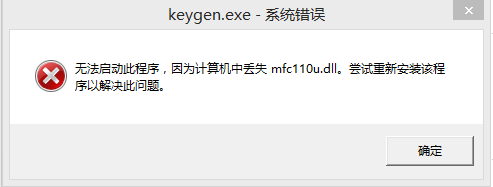



mfc110.dll 是windows系统中一个重要的dll文件,当计算机弹出“没有找到mfc110.dll”或“丢失mfc110.dll”的错误提示,就需要下载本dll文件进行修复了。
使用说明
(1)下载文件mfc110.dll文件到您的桌面上。
(2)将mfc110.dll文件放到提示丢失的文件的程序目录下。
(3)如果第2步是行不通的。将文件mfc110.dll到系统目录下。
C:\Windows\System (Windows 95/98/Me)
C:\WINNT\System32 (Windows NT/2000)
C:\Windows\System32 (Windows XP, Vista)
C:\Windows\System32 (Windows 7/8/2008r2)
C:\Windows\SysWOW64 (Windows 7/8/2008r2)
 大小:250KB
 大小:2.6M